
‹ More incredible features!⌂ Back to the home page
Find me
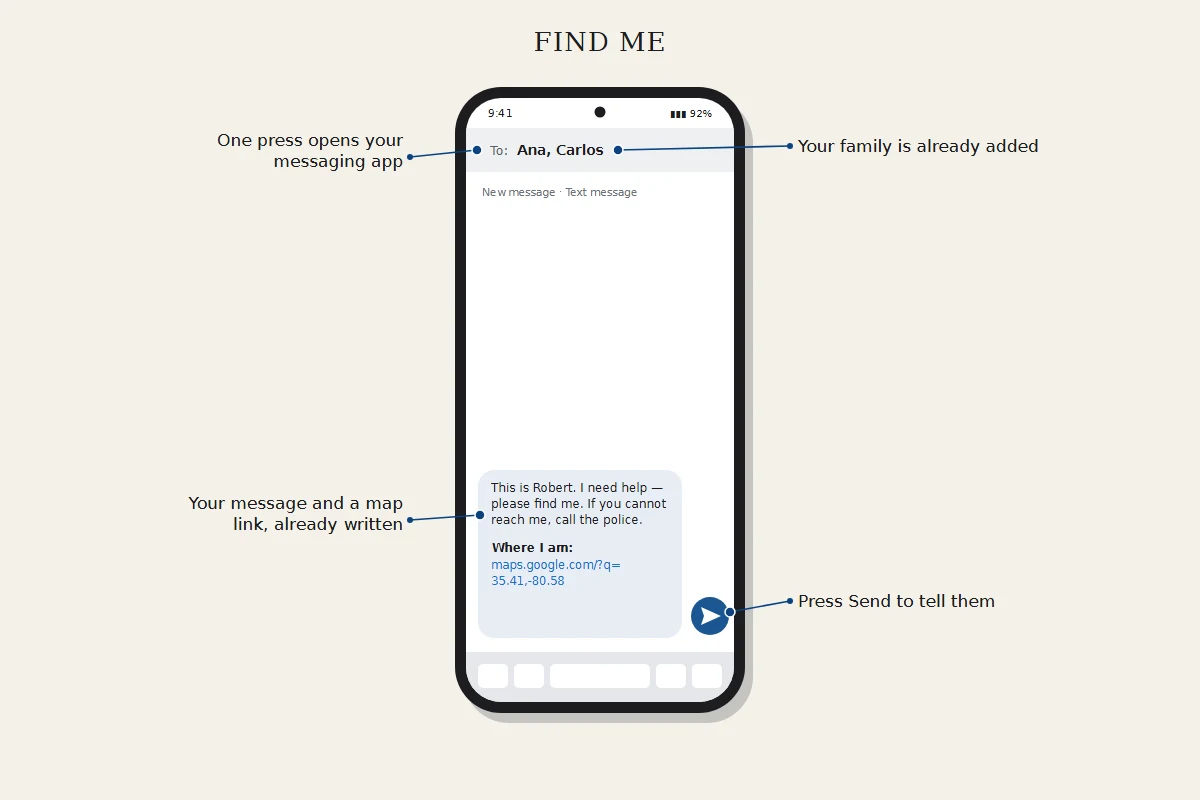
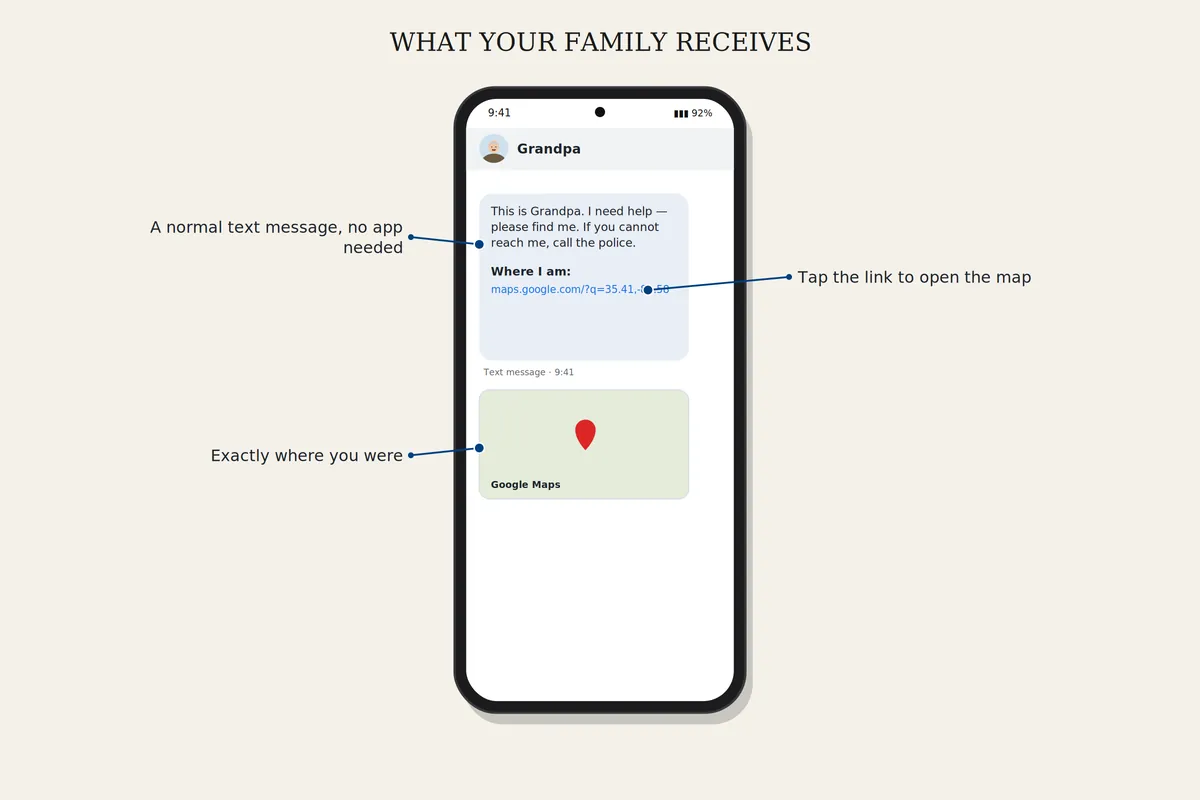
One press opens your messaging app with a map of where you are, already addressed to the family members you chose. Press Send and they have it. You can also share your live location through Google Maps.
How to set it up
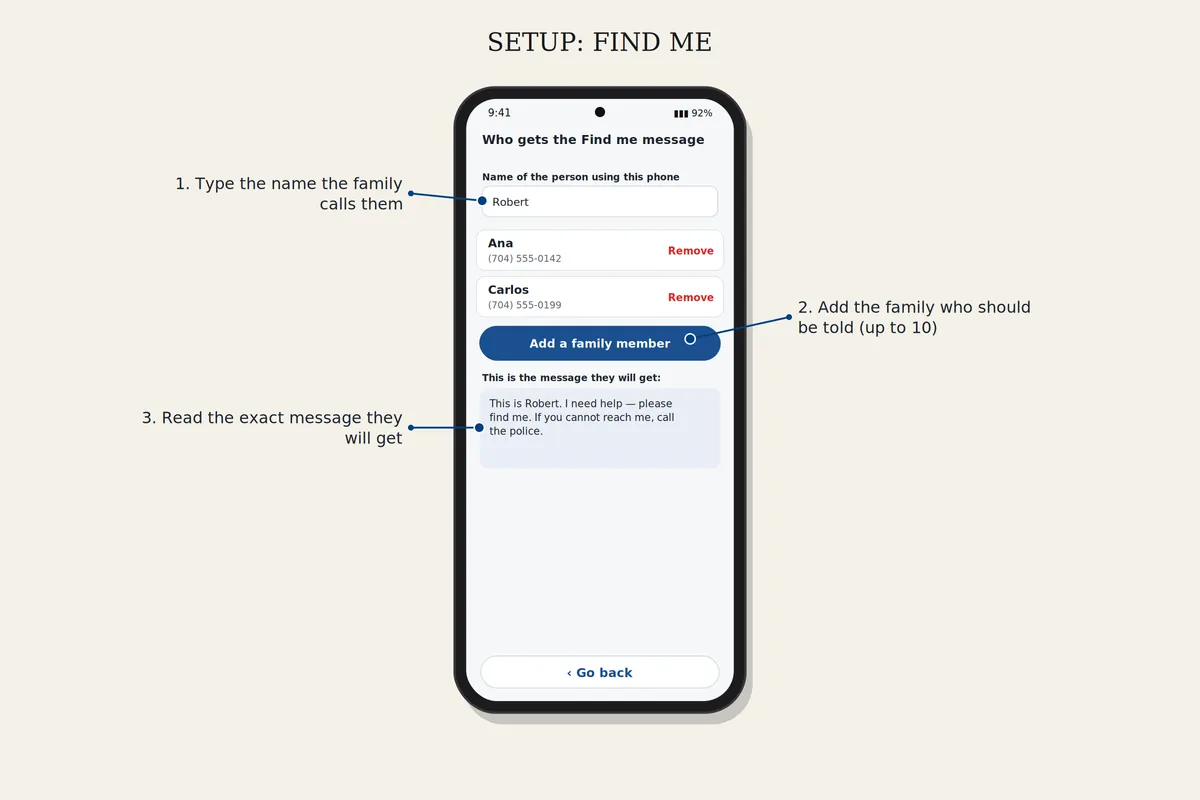
Set up Find me
In Settings, open Who gets the Find me message and add your family. Then open Whose phone is this? and type the owner's name, so the message says who it is from.
Download safelyFree for 7 days. Android 8 or newer.